T-Display S3 Quick Start
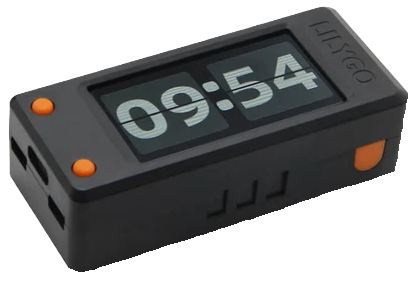
diagram

Environment setup

  • Install Arduino IDE
  • Go to: File -> Rreferences -> Additional boards manager urls, and copy below link there

  • 
    https://raw.githubusercontent.com/espressif/arduino-esp32/gh-pages/package_esp32_dev_index.json
                                        
  • Go to: Tools -> Board -> Board Manager, and install "esp32 by espressif systems"
  • Clone below repo to: Documents -> Arduino -> Libraries

  • 
    https://github.com/Xinyuan-LilyGO/T-Display-S3
                                        
  • In the cloned repo, go to "Lib" folder and copy "TFT_eSPI" to: Documents -> Arduino -> Libraries
  • In IDE go to: Tools -> Board -> esp32 and select "ESP32S3 Dev Module"
  • Connect board via USB to the PC and select it in: Tools -> Port
  • Write your sketch, compile it and upload it to your board

An unhandled error has occurred. Reload 🗙